blog
Mining Bitcoin in Minecraft
After watching CommanderRedstone's video where he made Bitcoin Miner in Minecraft using command blocks, Armadillo28 and I immediately wondered if we could do it with just redstone. We both thought it'd be pretty funny if you could.
All mining Bitcoin involves is taking a block header from the Bitcoin network and running it through a hashing algorithm called SHA-256.
People have built full-on computers in Minecraft with just redstone, so we knew it was possible in theory, but typically, really big computational redstone projects take a really long time to run. The Bitcoin mining network is designed to take about ten minutes to mine a block,nso if we were slower than that, the network would've moved on to the next block by the time we'd finished computing a single hash.
So besides having to figure out how to even get SHA256 working in Minecraft, we were also racing against the clock. That meant that if we modded the game to speed it up like a lot of other computational builds do, we would actually be cheating, because the build wouldn't be functional without those mods.
The Rules
- No commands, mods or cheats
- The miner must complete one hash in under 10 minutes
Data In
Like CommanderRedstone, we used a player bot controlled by a Python script to get data from the internet into Minecraft. There are very few mechanics that were as fast as we needed them to be. The one thing that worked was a lectern. That's because it can output 15 different redstone signal strengths, so with a single bit of state, you can get very fast hexadecimal inputs.
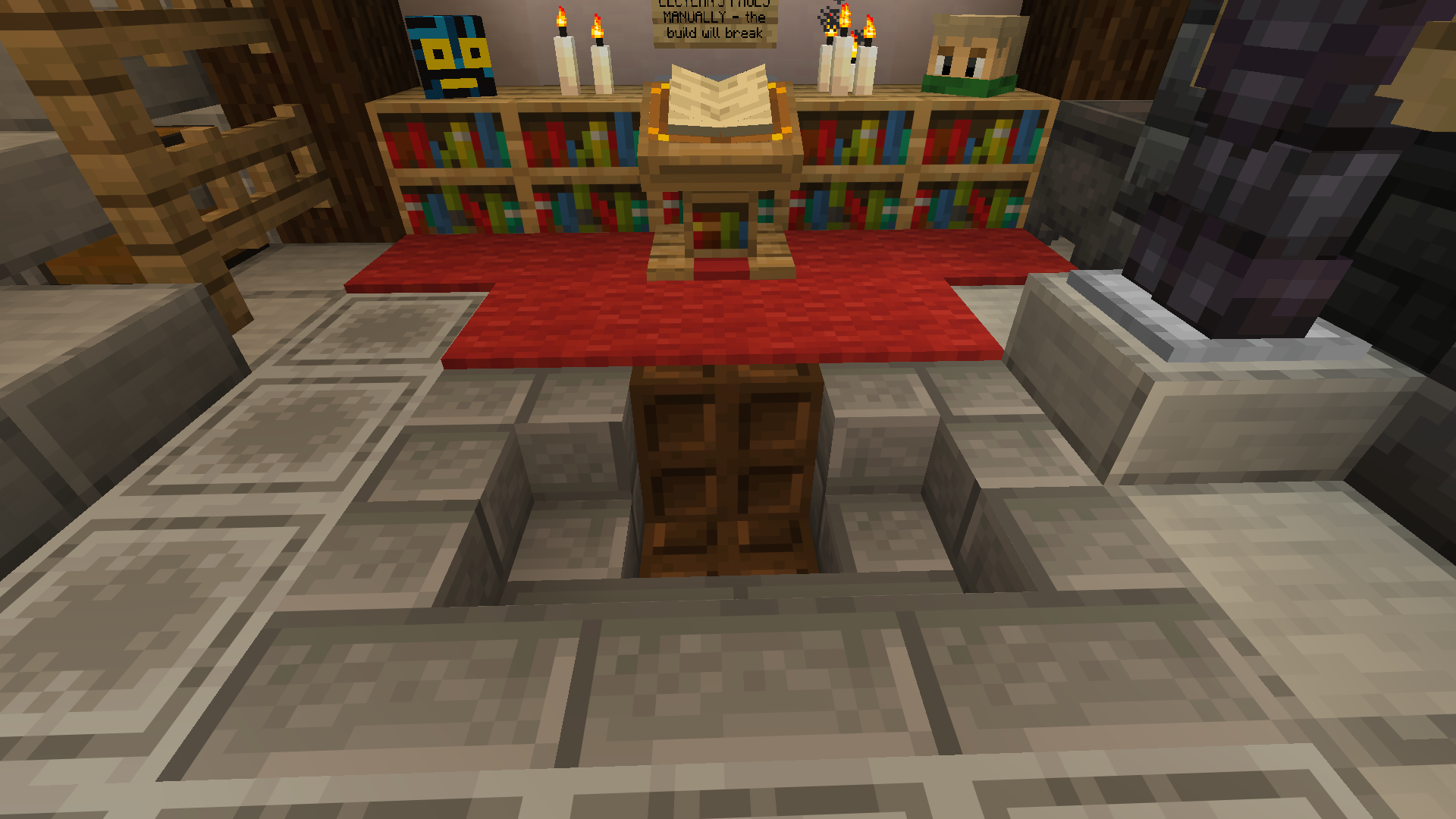
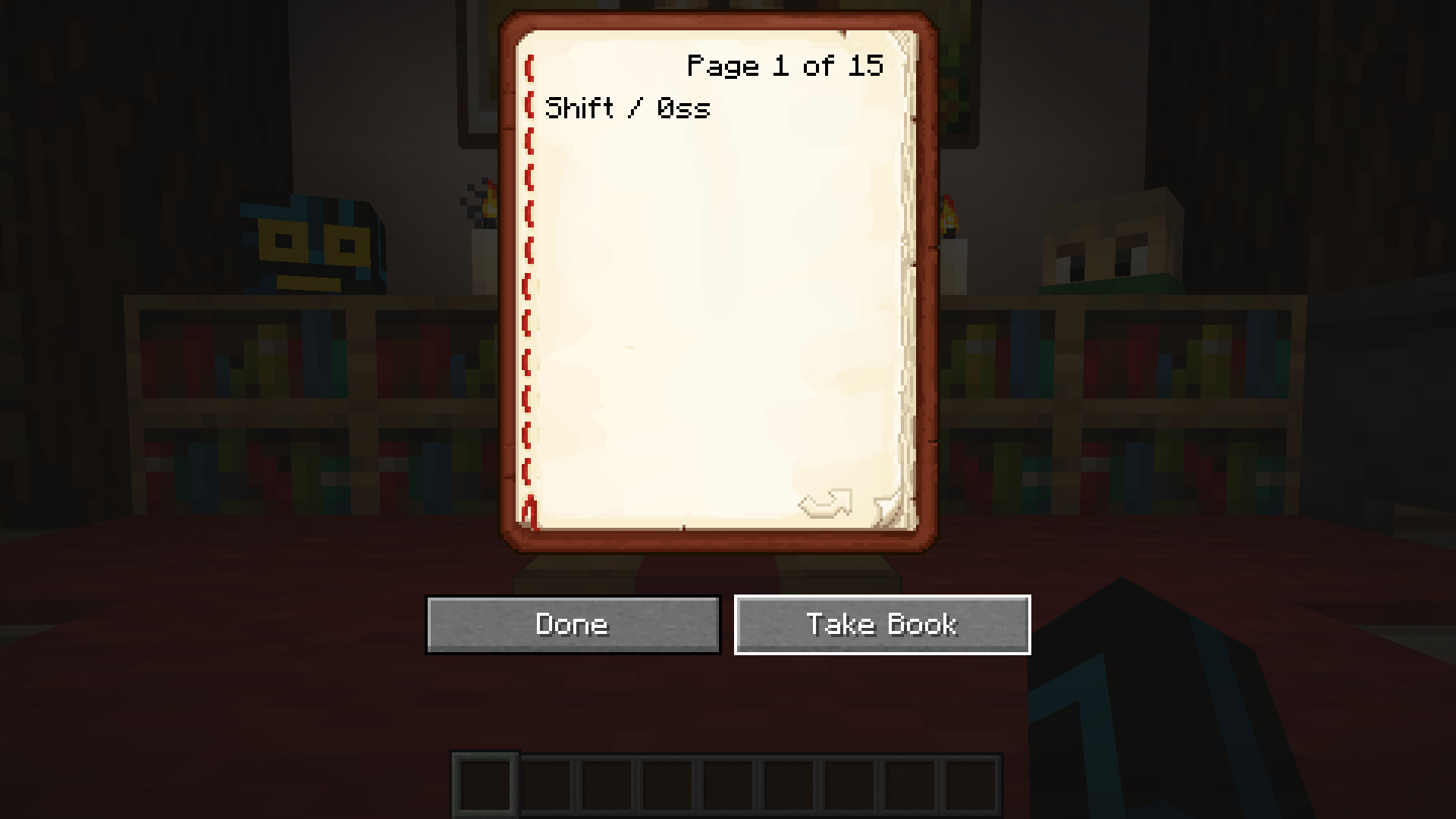
| Lectern Page Number | Subtract Mode On | Subtract Mode Off |
|---|---|---|
| 1 | 0 | * |
| 2 | 1 | 2 |
| 3 | 2 | 3 |
| 4 | 3 | 4 |
| 5 | 4 | 5 |
| 6 | 5 | 6 |
| 7 | 6 | 7 |
| 8 | 7 | 8 |
| 9 | 8 | 9 |
| 10 | 9 | a |
| 11 | a | b |
| 12 | b | c |
| 13 | c | d |
| 14 | d | e |
| 15 | * | f |
First, I iterated over each half-byte in the block header (known as a nibble).
                def bytes_to_nibbles(bytes: bytes):
    """
    Generate the high and low nibbles of each byte
    """
    for byte in bytes:
        yield byte >> 4
        yield byte & 0x0f
I needed to get to any particular page in a book. I had to keep track of which page I landed on, because that would determine how many keypresses I needed to get to the next page, and in which direction. I used the pynput library to generate keypresses.
                from pynput import keyboard, mouse


kbd = keyboard.Controller()


def move_page(current_page: int, target_page: int):
    """
    Move to a particular page in the book.
    """
    # The page down key moves one page forwards, and the page up key moves one page backwards.

    offset = target_page - current_page
    if offset == 0:
        # We're already on the right page, so we just need to update the write signal by flicking the page.
        if (target_page == 15):
            kbd.tap(keyboard.Key.page_up)
            kbd.tap(keyboard.Key.page_down)
        else:
            kbd.tap(keyboard.Key.page_down)
            kbd.tap(keyboard.Key.page_up)
    elif offset > 0:
        # The target page is further along in the book.
        for _ in range(offset):
            kbd.tap(keyboard.Key.page_down)
    else:
        # The page offset is negative, so we go backwards.
        for _ in range(abs(offset)):
            kbd.tap(keyboard.Key.page_up)

    sleep(config['milliseconds_between_nibbles'] / 1000) # The jankest part of all. This lines the inputs up with redstone ticks.
    return target_page
Then it's just a matter of implementing the logic that the redstone circuit has. If the intended nibble is outside the range of the current mode, the mode is toggled, and then the intended nibble is entered. I also added the option of taking the book off the lectern and putting it back on again after the sequence was entered, because it was more consistent in testing.
                def send_to_book(data: bytes, current_page=1, subtract_mode=True, milliseconds=250, replace_book=True) -> tuple[int]:
    """
    Convert a list of bytes into a page sequence, and execute that page sequence in Minecraft.
    """
    for nibble in bytes_to_nibbles(data):
        if subtract_mode and nibble > 13:
            current_page = move_page(current_page, 15, milliseconds=milliseconds)
            subtract_mode = False
        elif not subtract_mode and nibble < 2:
            current_page = move_page(current_page, 1, milliseconds=milliseconds)
            subtract_mode = True
        if subtract_mode:
            nibble += 1
        current_page = move_page(current_page, nibble, milliseconds=milliseconds)

    # Replace the book
    if replace_book:
        kbd.tap(keyboard.Key.enter) # Take the book off the lectern
        sleep(0.2)
        mousie.click(mouse.Button.right) # Place the book back on the lectern
        sleep(0.2)
        mousie.click(mouse.Button.right) # Open the book
        sleep(0.2)

        # Select the "take book" button
        kbd.tap(keyboard.Key.tab)
        kbd.tap(keyboard.Key.tab)
        sleep(0.2)

    return current_page, subtract_mode
You can look at the full GitHub repository.